AJ Audio - a Jellyfin Music Player
v1.6 Changelog
Changes
- Bracketed lyrics are now shown underneath
- Windows Dialogue boxes removed in favour of custom ones. The sound of the Windows 'ding' that comes with every popup when you're playing your favourite tunes is sure annoying.
- You can now add new radio stations in-app. The previous .ini way of doing this is no longer required.
- The Lyrics pane is now auto-hidden when your Next Playing has ended
- General UI improvements; column dragging, context menus
- Play Count information now updates properly
- Songs downloaded to disk through Automatic Downloads will automatically be recycled (can be toggled)
- Server imposed transcoding & download restrictions reflected
- Songs will now be downloaded to an accepted format if the song's original format is unsupported. This is subject to Jellyfin transcoding & downloading restrictions. This removes the previous system of playing unsupported tracks with seek restrictions, increasing compatibility
- Songs that leave a gap between the last lyric and the song's duration will now show the 3 dots
- Context Menu for "Add to Playlist" now contains an additional menu which opens on hover
- Further improvements for database song matching (less "unknown artists")
- Radio images are no longer re-downloaded on page change
What's New
- Pressing Backspace will now go to the previous page (like in File Explorer)
- Songs can be deleted with the DEL key
- AJ Audio will remember your last Playback position by default when starting up. This can be disabled in settings
- Several new settings - see below
- The Now Playing will now update album art for Radio Streams where applicable
- Horizontal scrollbar in the Songs page
- Added a new UI in the Albums & Artists page which displays similar Items
- Gapless Playback Introduced
- New Themes
Themes
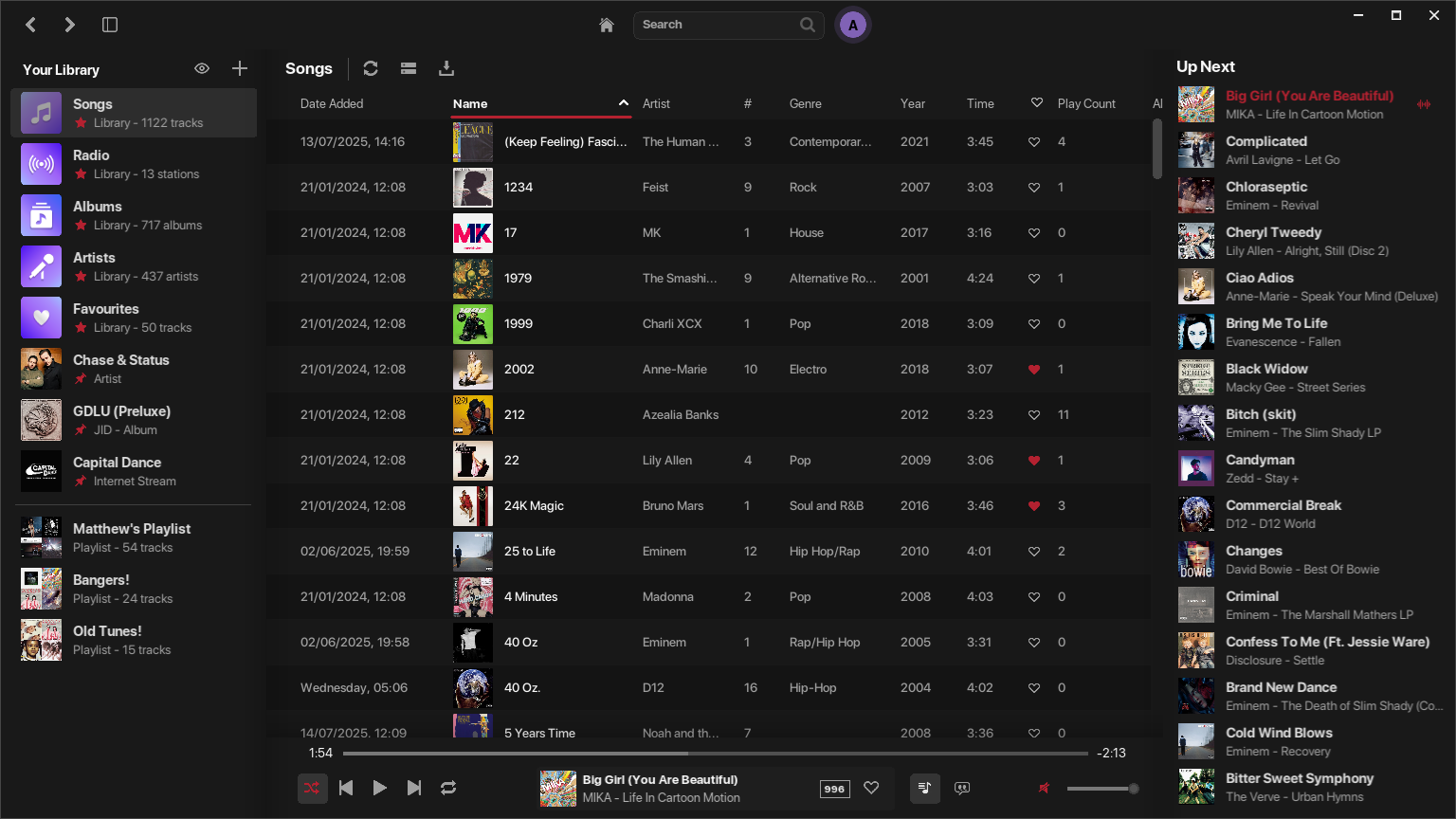
Dark Theme
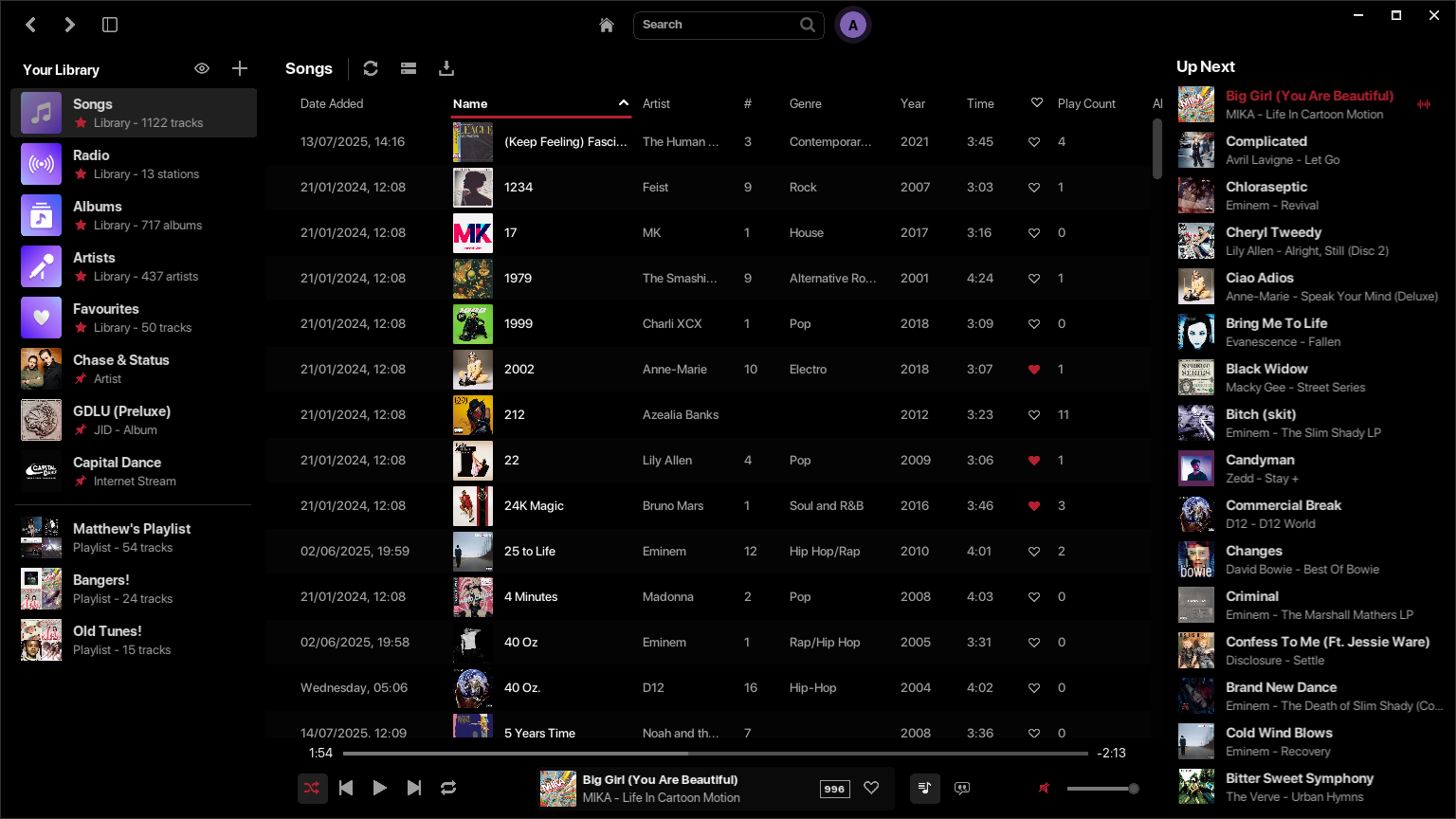
Midnight Theme
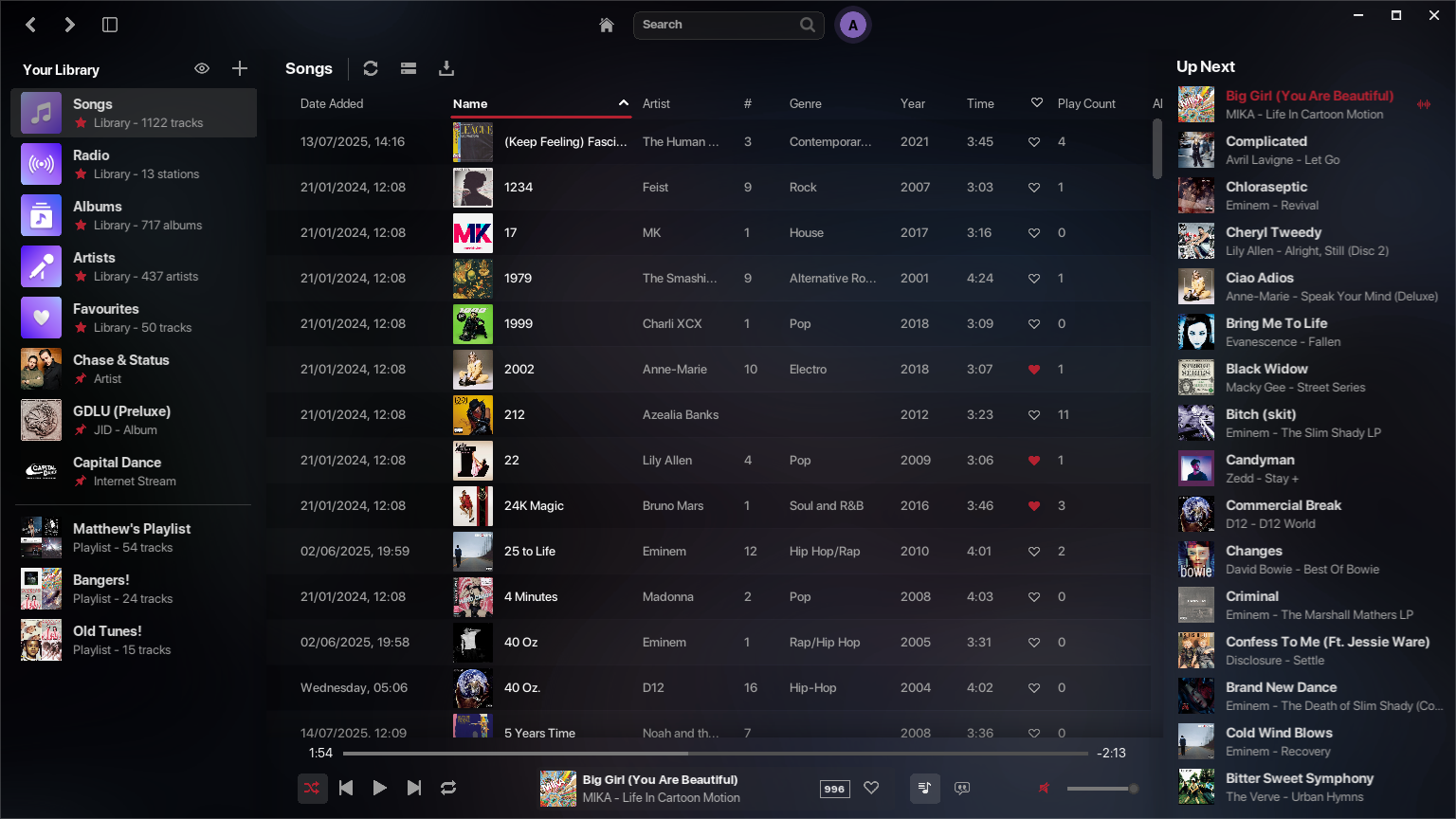
Default Theme
New Setting Options
New "Technical" section added, which contains the following options:
- Audio Buffer Size: determine how much memory the audio engine should use for streaming. Increasing this may resolve any playback issues such as stuttering or general failures
- Stream Timeout: specify how long to wait for a streaming connection until timeout. Default is 5000ms. This is useful for those with slower connections
New "Startup" section added, which contain the following options:
- Remember Last Playing
- Remember Playback Position
- Remember Window Position
Additional settings added:
- Format Lyrics
- Auto-hide horizontal scrollbar
- Stream Mode
- Clear Cache Automatically
- Clear Cache Now
Minor Improvements
- Resolved inconsistencies with scrolling on the Lyrics pane
- Going back to a search page will now input your original query
- The volume is now changed in real time when using the slider
- Resolved a depth issue in the lists, causing images to appear slightly grey
- Resolved an issue where context selections would not be slightly unresponsive if clicked too fast
- More tooltips added
- Textbox UI updates
- Downloading Album Art will prefer medium sized images (~ 500px) over larger to prevent really slow downloads which is quite rare. This can be toggled in Settings
- More performance improvements & improved memory management
Fixes
- Fixed an issue where custom radio stations would only appear under "Popular" and not your specified category, due to the App incorrectly reading the first tag only
- Fixed an issue where removed columns would reappear after reloading the app
- Resolved an issue where you would receive a transcoding issue when the app started, after loading your local Database
- Fixed an issue where some UI buttons would not respond to clicks consistently
- Fixed an issue where duplicate artists could appear in the Recently Added page
- Resolved an issue where imported audio would have a track number in the title of 00
- Resolved an issue which reverted your default system output on startup
Leave a comment
Log in with itch.io to leave a comment.