AJ Audio - a Jellyfin, Emby, and Windows Music Player
A downloadable Software for Windows
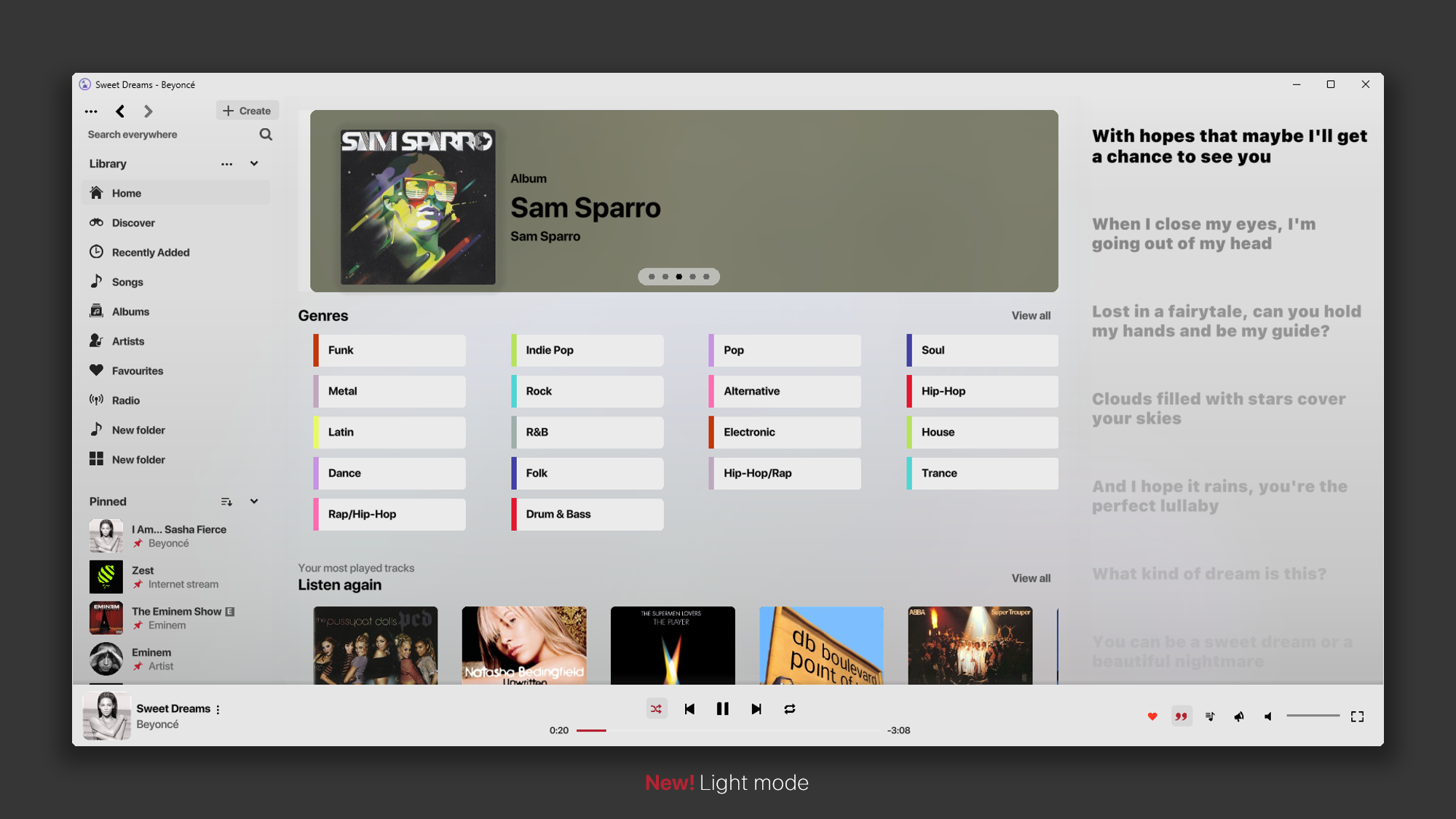
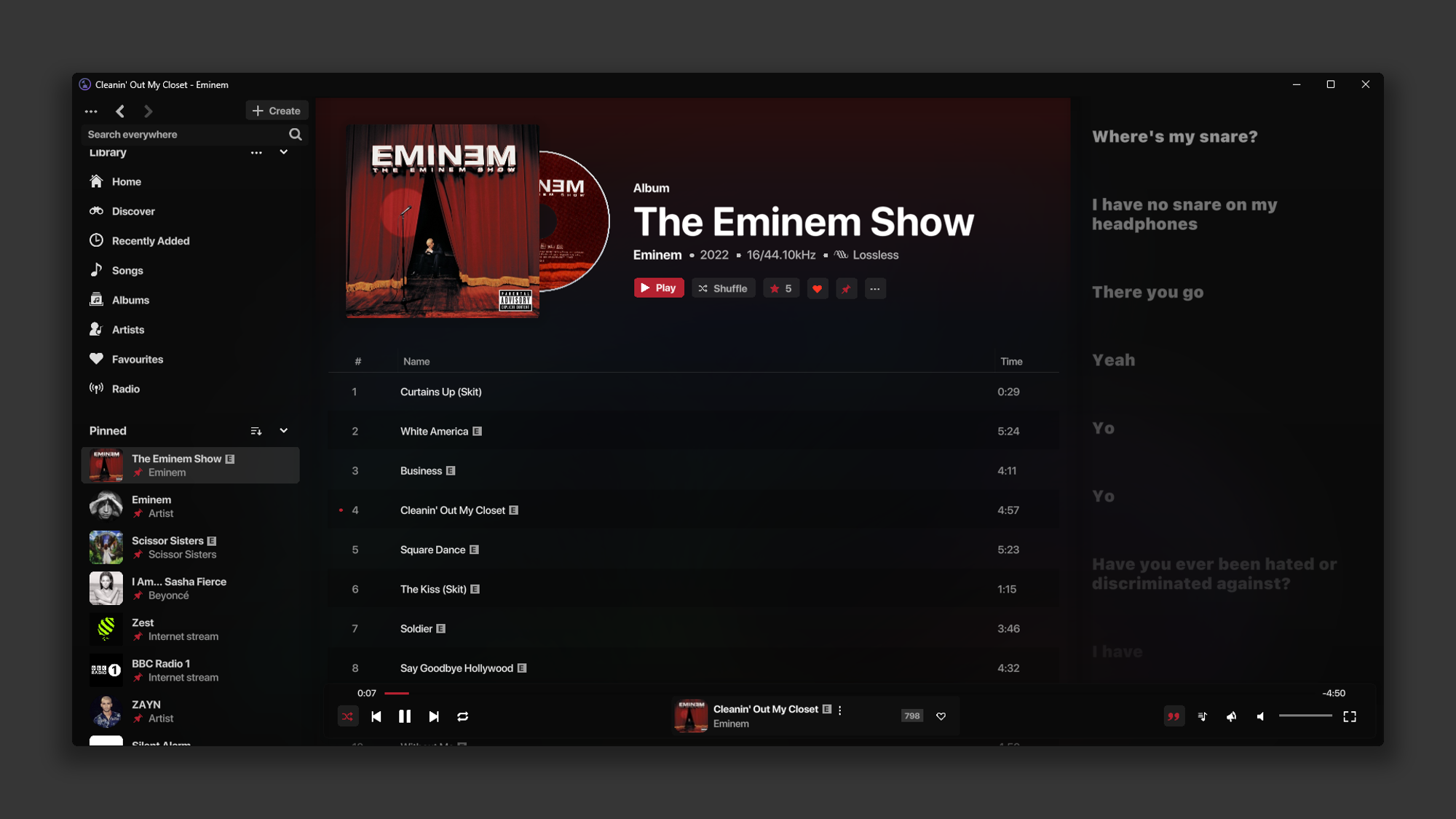
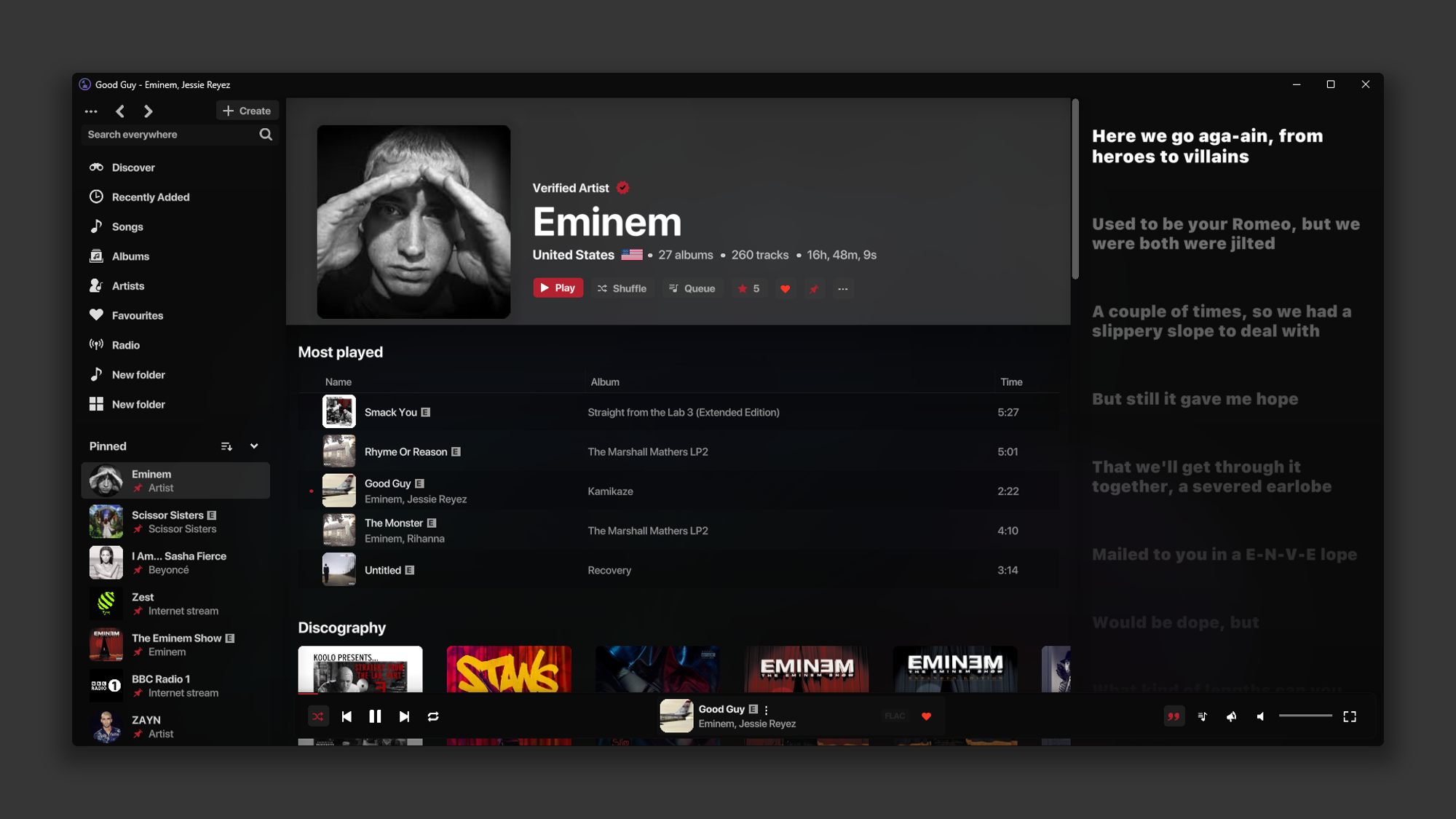
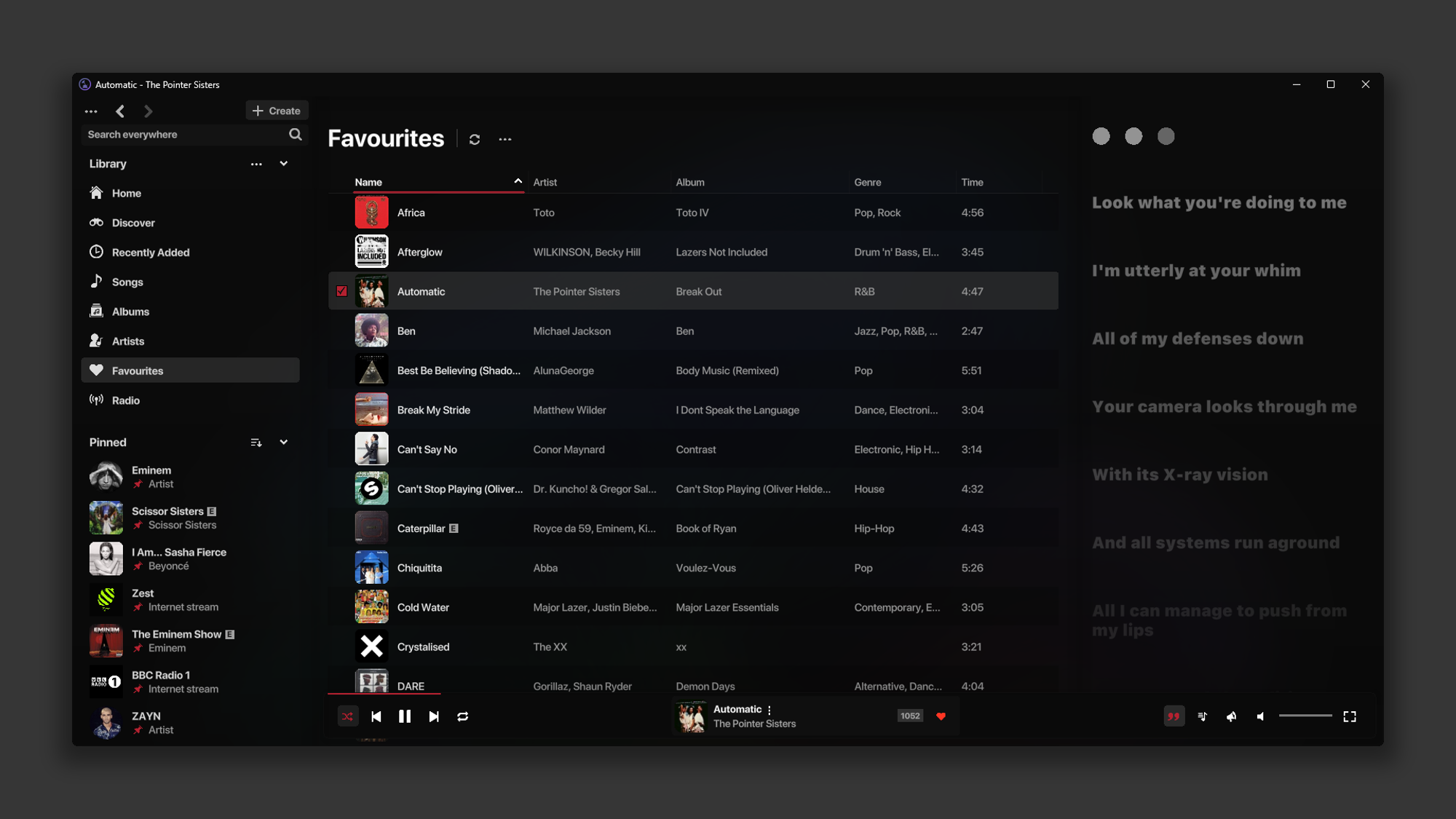
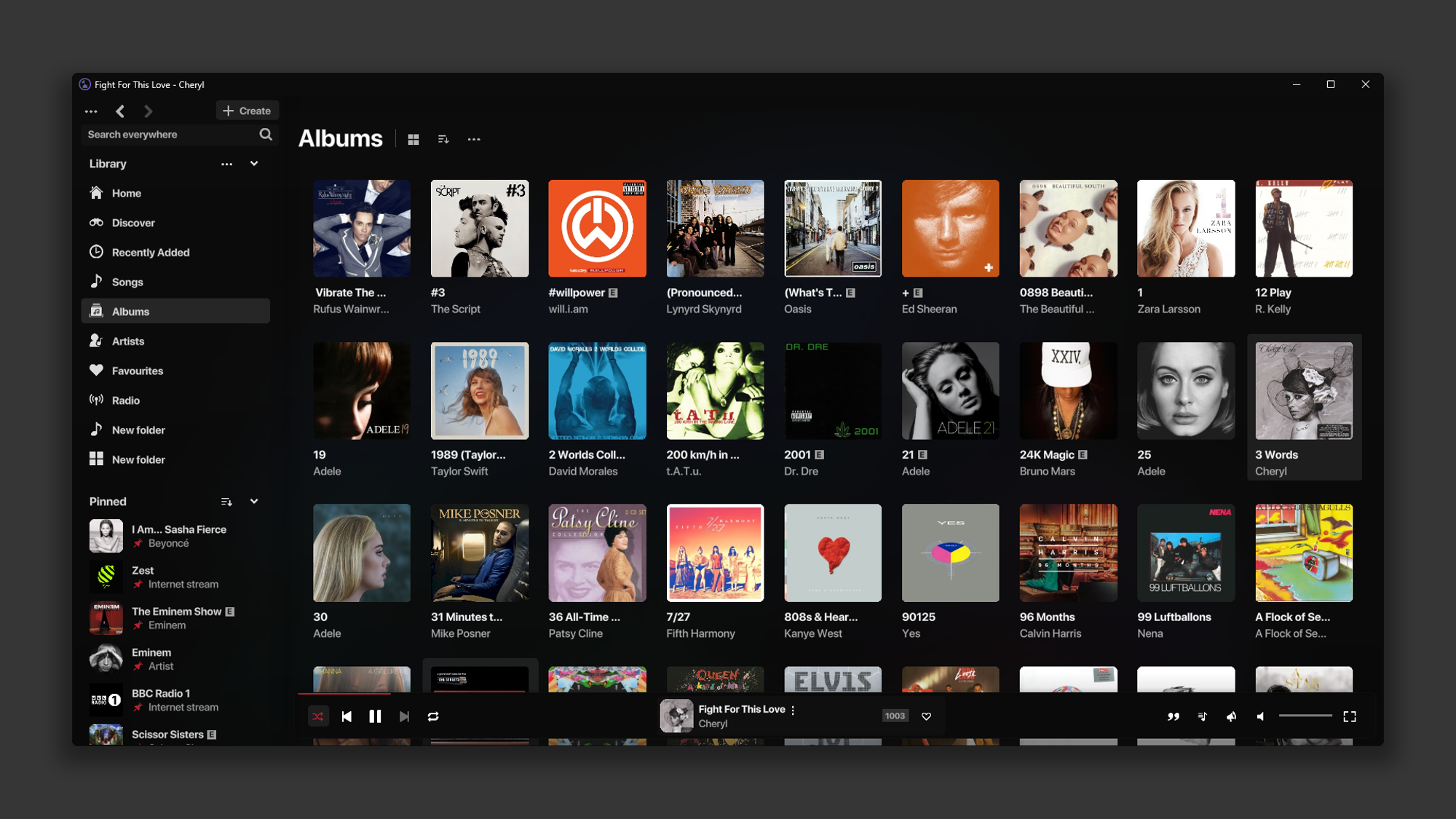
AJ Audio is a powerful, stylish, lightweight Windows Music Player and Internet Radio Streamer which allows you to play music on your PC. Built from the ground up using an incredible audio engine, which includes dozens of must-have features.
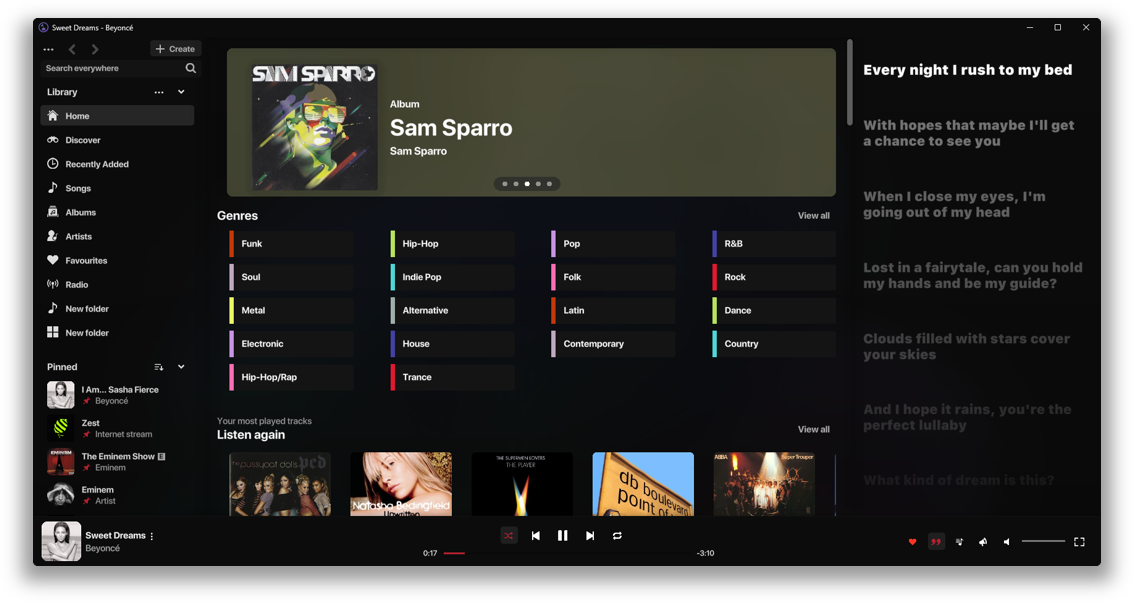
Full Jellyfin & Emby support
Ditch the paid subscription services and enjoy your music in the highest possible quality. Created with self hosted music enthusiasts in mind

Play the music you own. No ads, no subscription, no nonsense. Just music.
It's fast as f**k

This app was meticulously designed to ensure the fastest & most optimal experience. Processing times are thoroughly tested to ensure smoothness on even the most basic desktops. Featuring next-level optimisations to ensure an idle CPU time of ~0%
Widely Compatible
AJ Audio is powered libVLC, the Swiss Army knife of multimedia engines. This means it can play pretty much any format, including:
MP3 | FLAC | WAV | OGG | AIFF | WMA | AAC | M4A | OPUS | M3U | M3U8 | MPD
Multimedia Key Support
Control your playlist with your keyboard, Windows Action Center and Lock Screen, or through the Taskbar thumbnail
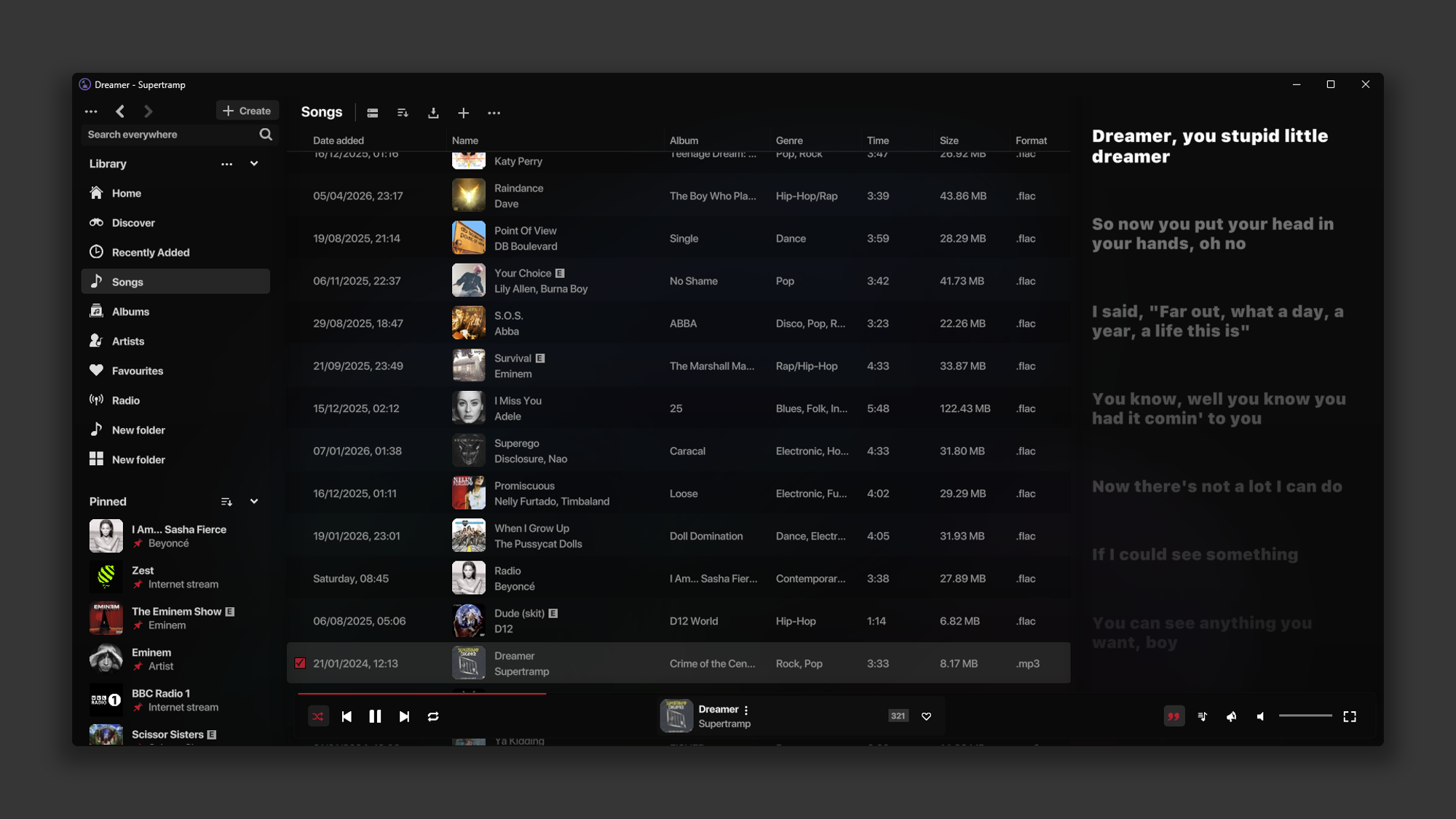
Sing Along
Time synchronised lyric support. Search and replace lyrics automatically, or via file. With support for plaintext lyrics.

Replace Album Art automatically
Add missing art to your albums or songs with the click of a button. AJ Audio will find the missing art automatically using several external resources. Alternatively, you can import art manually. (.bmp, .jpg/.jpeg, .png)

You can also replace the art for your Playlists, Live TV radio stations, and more
Crossfade Support & Gapless Playback
Seamlessly fade to the next track as your current one ends with the optional crossfade setting. The upcoming track is automatically loaded seamlessly in the background as your current one ends to ensure no interruption. See here for more information

Daily Mixes
Mixes containing 30 tracks are created for you daily; showing you the music you love in a variety of ways
Explicit Tags
Songs and albums that have an "ITUNESADVISORY" tag in the metadata will mark the item as explicit. You can also perform a scan on your Library to tag songs as explicit automatically.

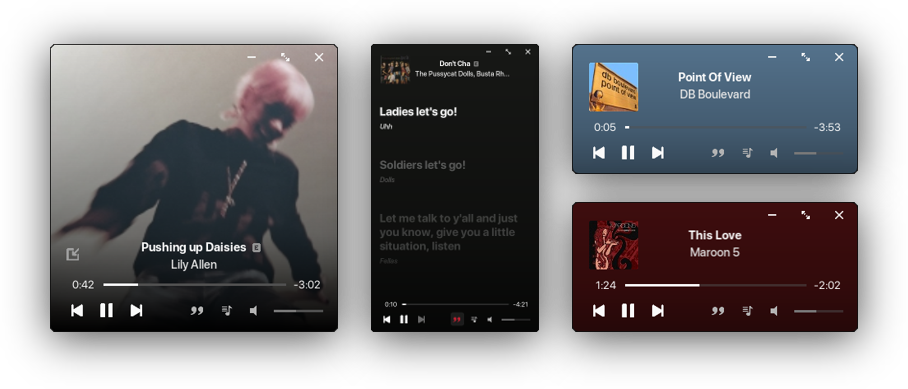
Mini Player
With a built-in always-on-top miniplayer! See here for more information
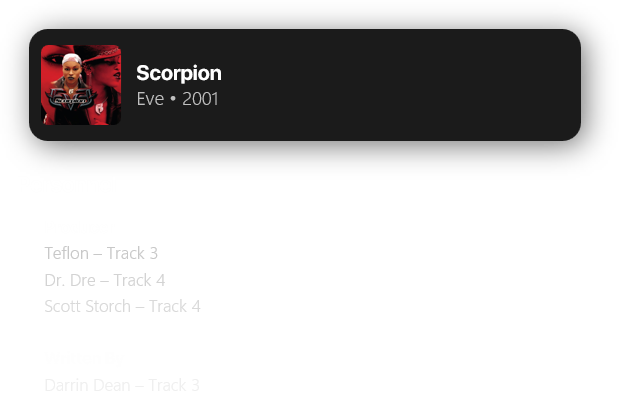
View album credits
AJ Audio displays personnel data for your albums, including songwriters, mixers, composers, producers and more.
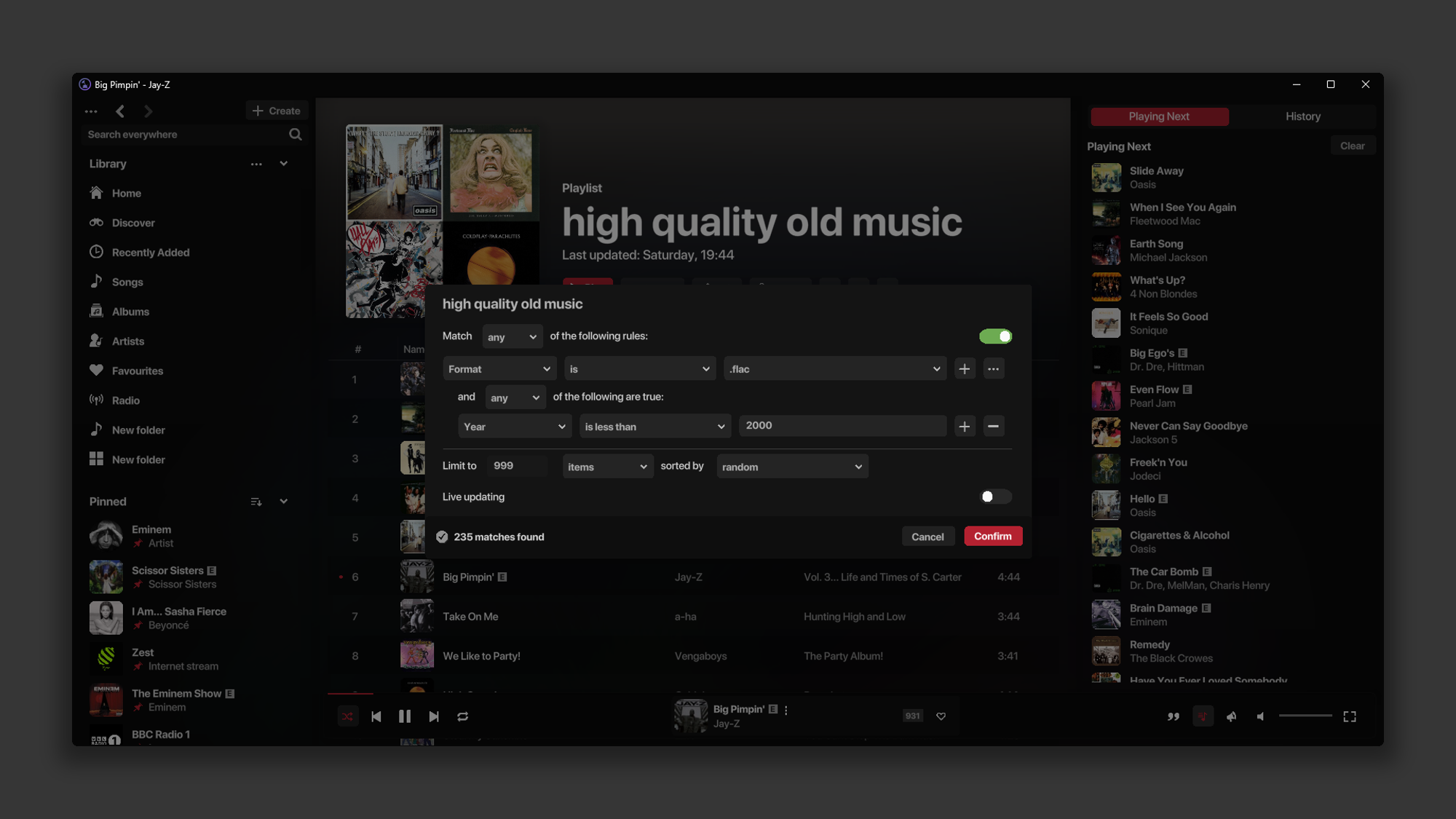
Smart Playlist Support
Create a Smart Playlist based on your filters using a familiar interface. These playlists will update and synchronise to your media server automatically
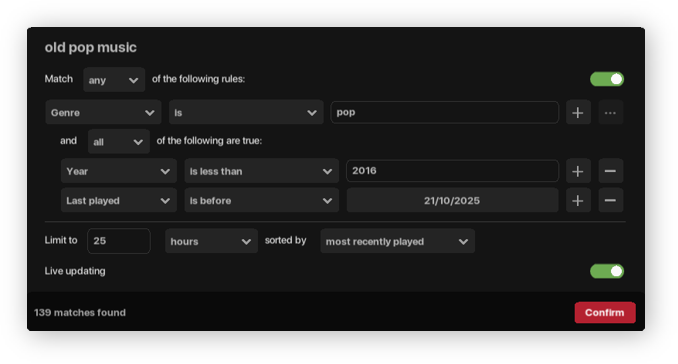
Create filters for new music with a certain genre, music by a certain artist, music added before or after a certain date, etc. The possibilities are endless! See here for more information
Rate your Music
AJ Audio supports rating your tracks, artists, and albums with an intuitive 5 star system. You can also favourite items, or dislike them to prevent songs from being played automatically in the future

Easy to use
Everywhere you see an artist name, album name, song title, or genre, you can simply click on it to take you to the corresponding page.

Intuitive
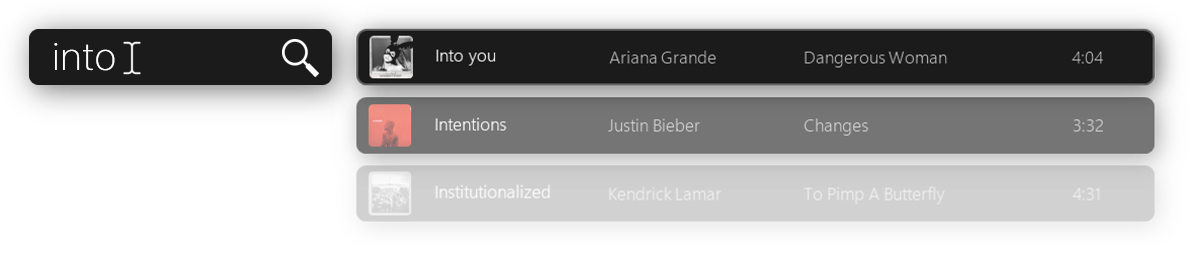
Incremental search is supported. Simply start typing, and AJ Audio will search for the closest match in the current page and highlight the item for you.
With a built-in Metadata Editor
Edit the metadata for your songs & albums with the built-in editor.
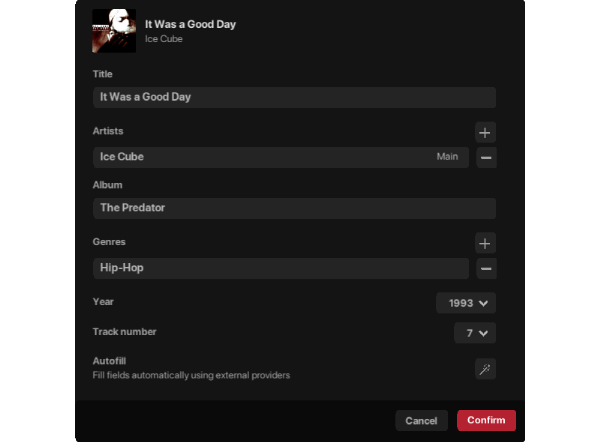
This editor features an Autofill button, which will pull information from external resources and automatically change the metadata for you. It will tell you exactly what has and hasn't changed before you click confirm. If it can't find your track in the official album, it will list all tracks in the official album for you to choose from. See here for more information
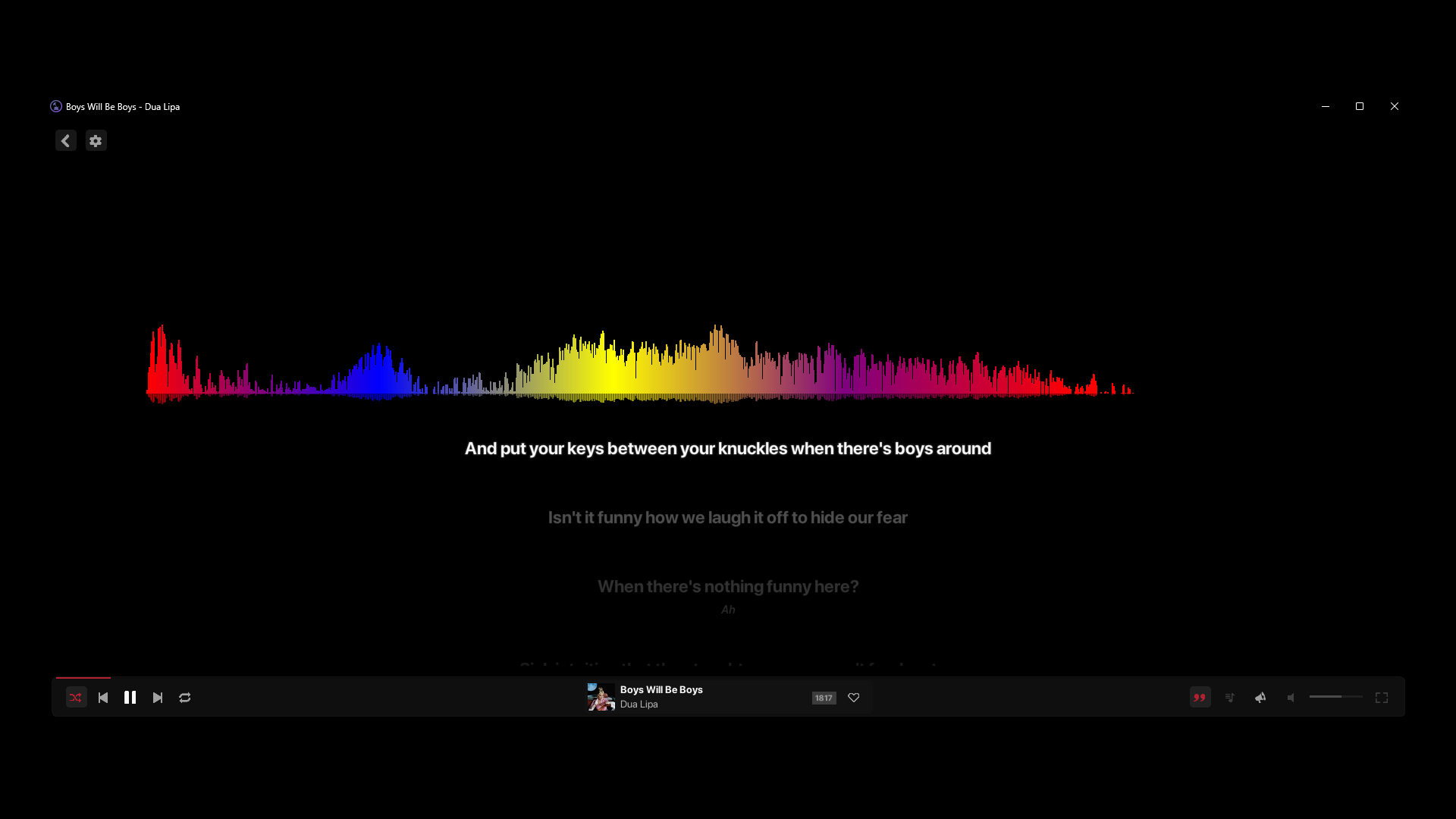
Visualise your music
AJ Audio includes several built-in visualisers to choose from

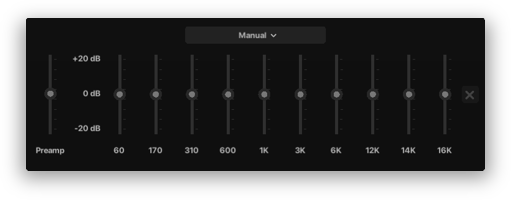
10-band equaliser included
Adjust the specific frequency ranges to boost, balance, enhance, or correct sound
Change Output Device
AJ Audio allows you to change your output device, allowing you to play your music through a separate speaker/device, while allowing all other sounds on your computer to play as normal

Access your music offline
For media server items, you can simply right click on one or multiple tracks, albums or artists and select "Available Offline" to download the songs to your disk, allowing you to listen to music in the future without a connection. See here for more information
With Deezer support
Locate new music through the Discover page, where you can play a 30 second sample of any song from Deezer. This page also shows you live music concerts & events happening in your area. See here for more information

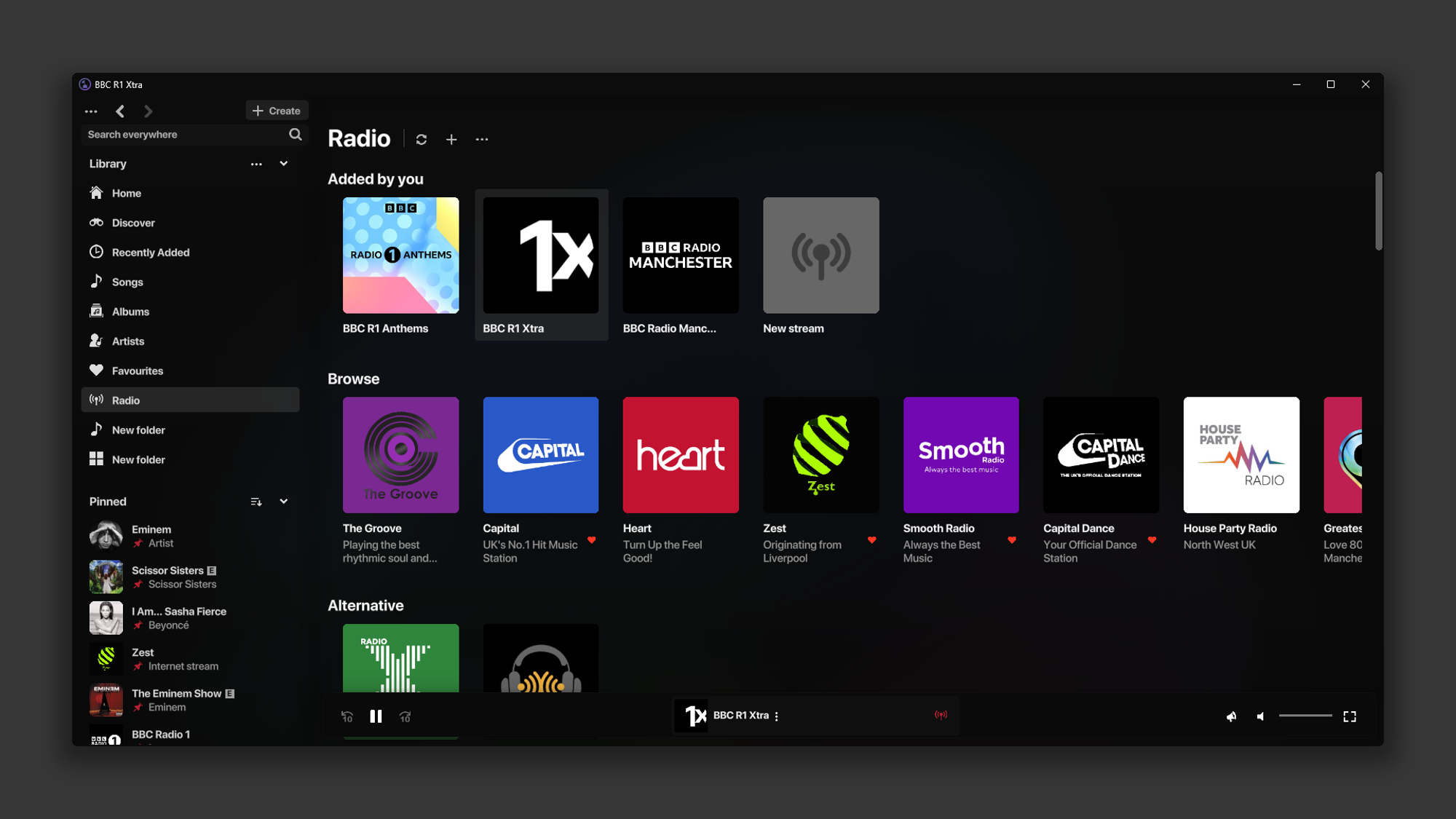
Internet Radio
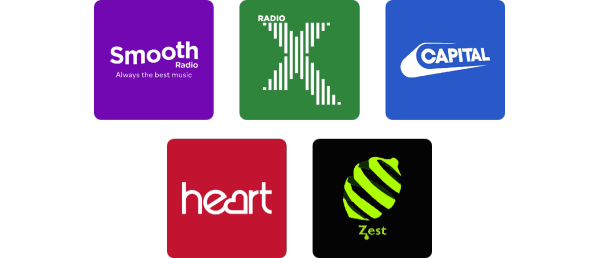
Listen to Internet Radio streams through the Radio tab! With over 25 stations by default, you can also add your own. Includes support for .m3u, .m3u8. See here for more information
Search for tracks via the Start Menu
With the "Use shortcuts" option, you can search for your media server tracks through the Windows Start Menu. Allowing you to play a song, fast. See here for more information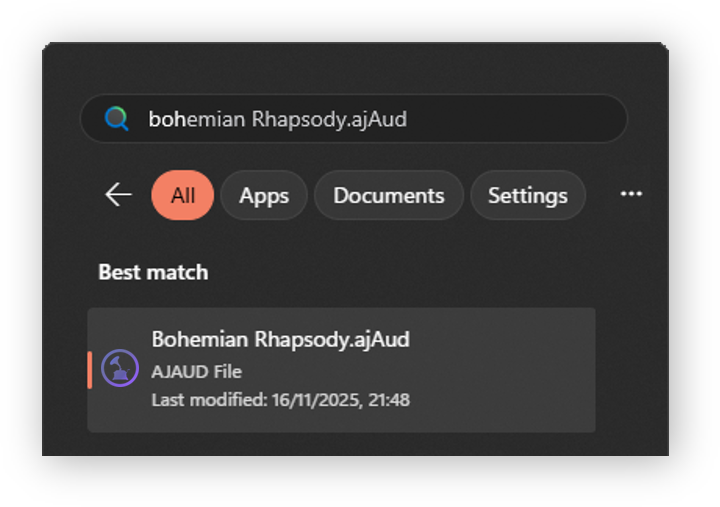
Remote control your devices
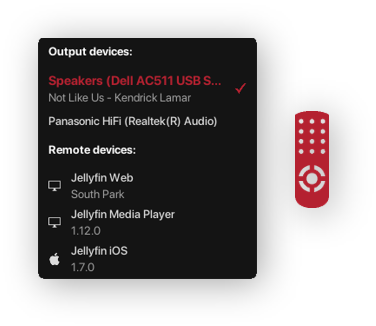
Control playback on other Jellyfin-enabled devices through AJ Audio with the intuitive remote control feature. See here for more information
Share your listening status on Discord

AJ Audio supports sharing what you're currently listening to with your friends on Discord. Show off your custom library with your favourite tracks! See here for more information
Additional Features
- Import to your media server
- Play queue & history
- Searchbar
- Smart & normal Playlist support
- Read more about your albums through a built-in Discogs and/or Wikipedia link
- VLC-style Volume Boost: set the volume beyond 100%
- AJ Audio will remember your last playing track and position
- Censored lyrics can be uncovered
- Control your system volume with the volume slider, even on your non-default Windows output device
- Audiobook support
- Customisable columns in all folders
- Big Picture mode
Check it out on the Microsoft Store
Windows 10 minimum. Windows 11 recommended. Check out the FAQs
Cheers
Purchase
In order to download this Software you must purchase it at or above the minimum price of $9.09 USD. You will get access to the following files:
Also available on

Development log
- v2.1.3 Out Now1 day ago
- v2.1.3 Changelog8 days ago
- v2.1.2 Out Now11 days ago
- v2.1.2 Changelog46 days ago
- Emby is now officially supported51 days ago
- v2.1.1 Out Now53 days ago
- v2.1.1 Changelog80 days ago
- v2.1 Out Now83 days ago